防抖/节流函数important
浏览器中的 scroll、resize、mousemove、input 等事件,可能在很短时间内连续触发很多次。如果每次事件触发都立即执行复杂的业务函数,可能造成重复请求、页面卡顿或无意义的重复计算。
防抖和节流都用于限制函数的执行次数,但两者的思路不同:
- 防抖(debounce):连续触发时重新计时,只在一轮连续操作的第一次或最后一次执行。
- 节流(throttle):连续触发时按照指定的时间间隔执行,保证一段时间内最多执行一次。
防抖:你一直操作,我就一直等;你停下来,我再执行。
节流:你可以一直操作,但我最多每隔一段时间执行一次。防抖函数
对于高频操作,防抖只识别一轮连续操作中的一次调用。它既可以执行第一次,也可以执行最后一次。
应用场景
- 搜索框输入后的模糊匹配
- 表单内容的延迟校验
- 按钮防止重复点击
- 页面尺寸变化后的重新计算
- 轮播图切换
前置场景
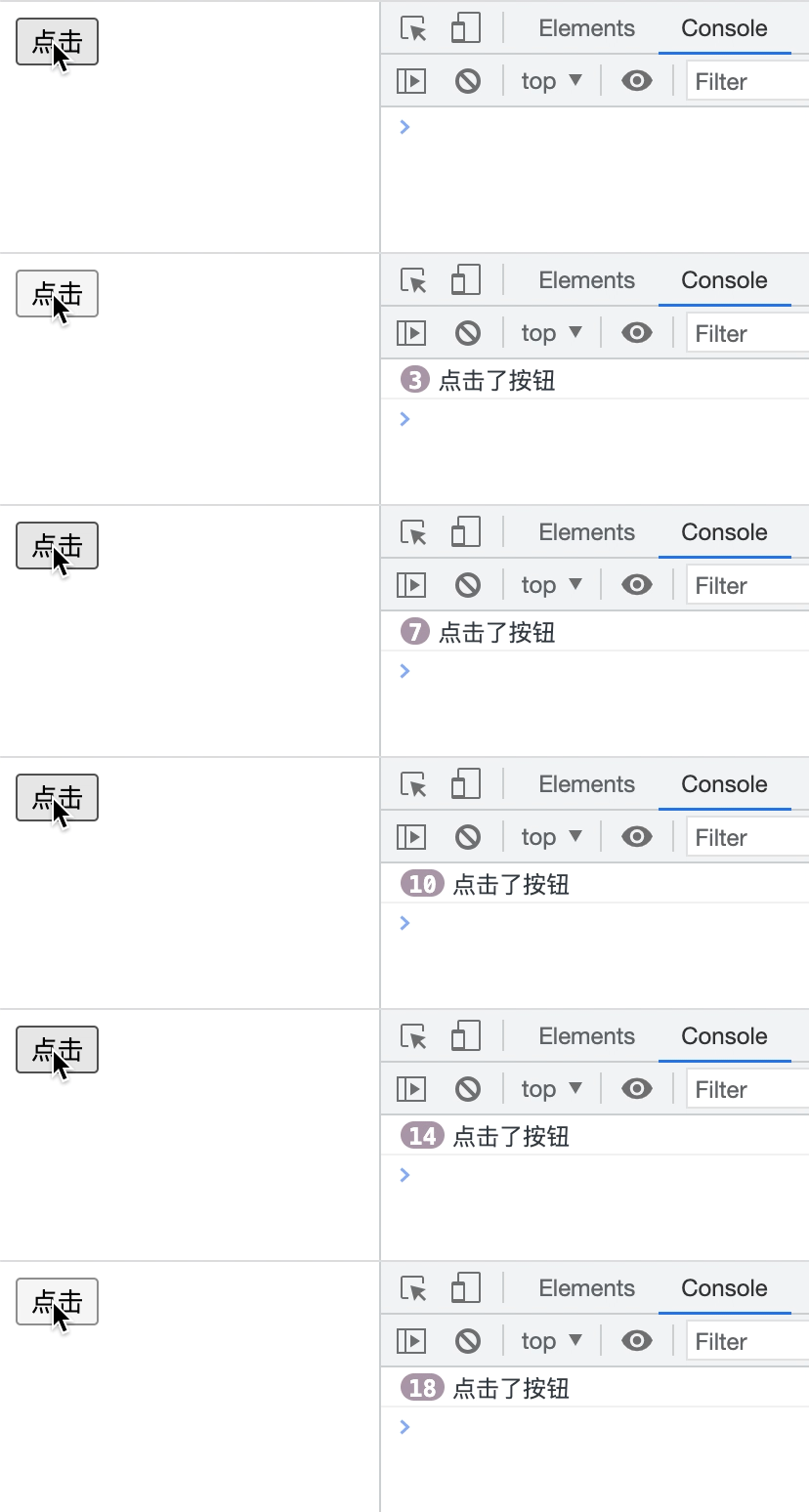
页面上有一个可以连续点击的按钮:
<button id="btn">点击</button>直接绑定点击事件:
const btn = document.getElementById('btn')

function btnClick(event) {
  console.log('点击了按钮', event)
}

btn.onclick = btnClick每点击一次,btnClick 就会执行一次,此时没有防抖效果。
第一步:返回代理函数
防抖函数不能直接执行 handle,而应该返回一个代理函数,由代理函数决定真正的处理函数是否执行:
function debounce(handle) {
  return function proxy() {
    handle()
  }
}绑定事件时:
btn.onclick = debounce(btnClick)可以理解为:
const proxy = debounce(btnClick)
btn.onclick = proxy以后浏览器调用的是 proxy,proxy 再根据防抖规则决定是否调用 handle。
第二步:检查参数并设置默认值
handle 必须是一个函数,否则应该立即抛出错误。wait 表示等待时间,immediate 用来控制执行第一次还是最后一次:
function debounce(handle, wait = 300, immediate = false) {
  if (typeof handle !== 'function') {
    throw new TypeError('handle must be a function')
  }

  if (typeof wait === 'boolean') {
    immediate = wait
    wait = 300
  }

  if (!Number.isFinite(wait) || wait < 0) {
    wait = 300
  }

  if (typeof immediate !== 'boolean') {
    immediate = false
  }

  // ...
}默认情况下,debounce(handle) 等价于:
debounce(handle, 300, false)也支持把布尔值作为第二个参数:
debounce(handle, true) // 等价于 debounce(handle, 300, true)原实现只通过 typeof wait === 'number' 判断等待时间,但 NaN 和 Infinity 的类型也是 number。因此这里使用 Number.isFinite(wait),同时通过 wait < 0 排除负数。
第三步:使用闭包保存定时器
为了让多次调用共享同一个定时器,需要把 timer 定义在代理函数外面:
function debounce(handle, wait = 300, immediate = false) {
  // 参数处理省略
  let timer = null

  function proxy() {
    timer = setTimeout(() => {
      handle()
    }, wait)
  }

  return proxy
}debounce 执行结束后,proxy 仍然引用着 timer,因此 timer 不会被销毁,这就是闭包在防抖函数中的作用。
如果把 timer 定义到 proxy 内部,每次调用都会创建一个全新的变量,不同调用之间无法互相取消,也就不能实现防抖。
第四步:传递参数和 this
代理函数需要把事件对象、业务参数以及调用时的 this 原样传递给 handle:
function debounce(handle, wait = 300, immediate = false) {
  // 参数处理省略
  let timer = null

  function proxy(...args) {
    const context = this

    timer = setTimeout(() => {
      handle.apply(context, args)
    }, wait)
  }

  return proxy
}handle.apply(context, args) 也可以写成 handle.call(context, ...args)。
这里的 proxy 不能改成箭头函数,因为箭头函数没有自己的 this,无法根据调用方式取得事件目标或所属对象。

第五步:实现尾部防抖
尾部防抖表示:连续触发期间不执行,停止触发 wait 毫秒后执行最后一次。
function debounce(handle, wait = 300, immediate = false) {
  // 参数处理省略
  let timer = null

  function proxy(...args) {
    const context = this

    if (timer !== null) {
      clearTimeout(timer)
    }

    timer = setTimeout(() => {
      timer = null
      handle.apply(context, args)
    }, wait)
  }

  return proxy
}连续调用三次时,定时器的变化如下:
第 1 次调用:创建定时器 A
第 2 次调用:取消 A,创建定时器 B
第 3 次调用:取消 B,创建定时器 C最终只有定时器 C 可以执行,因此使用的是最后一次调用的参数和 this:
0ms      proxy('A'),创建定时器
100ms    proxy('B'),取消旧定时器,重新计时
200ms    proxy('C'),取消旧定时器,重新计时
500ms    执行 handle('C')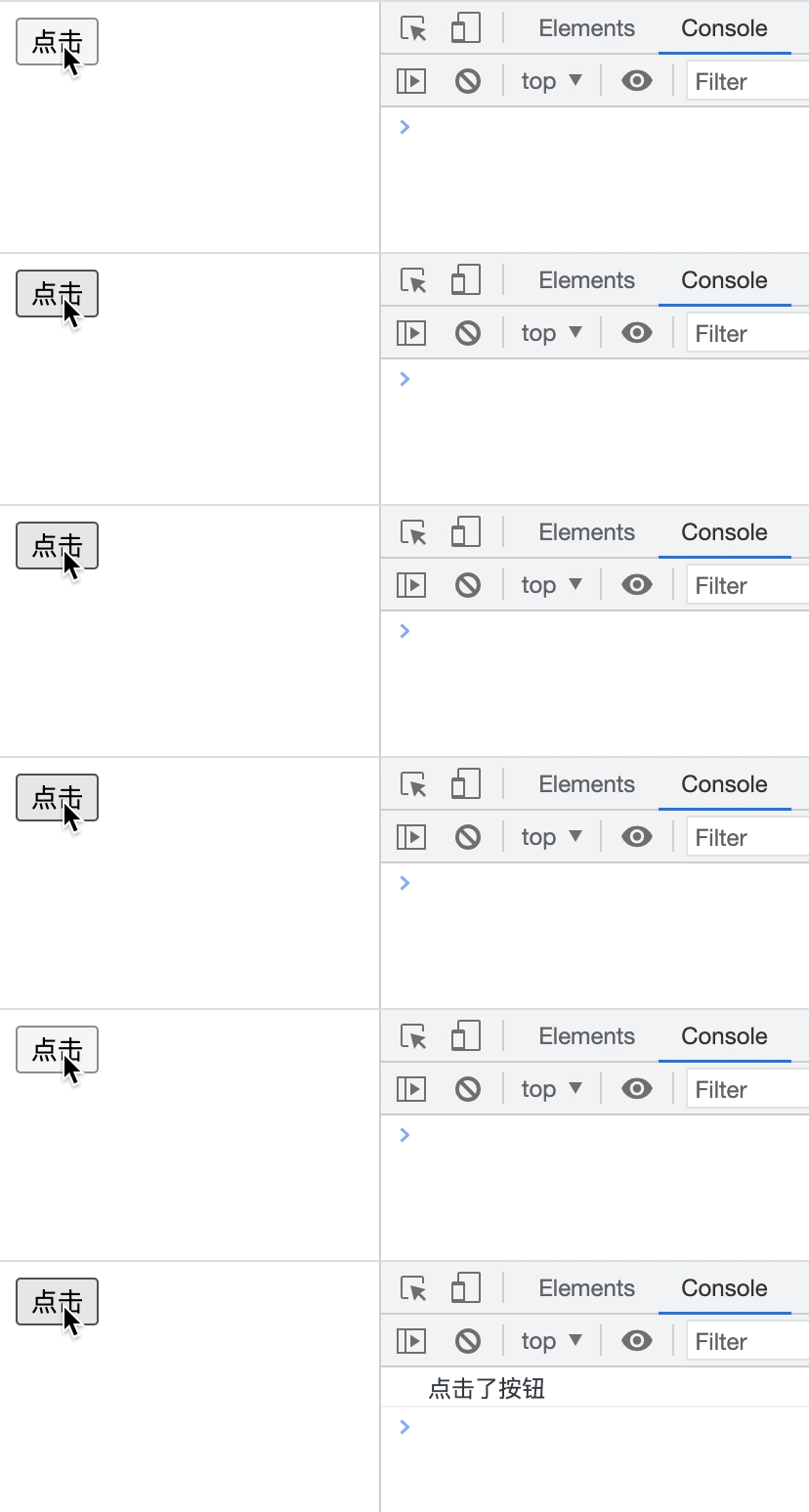
试一试
Count is:
第六步:实现头部防抖
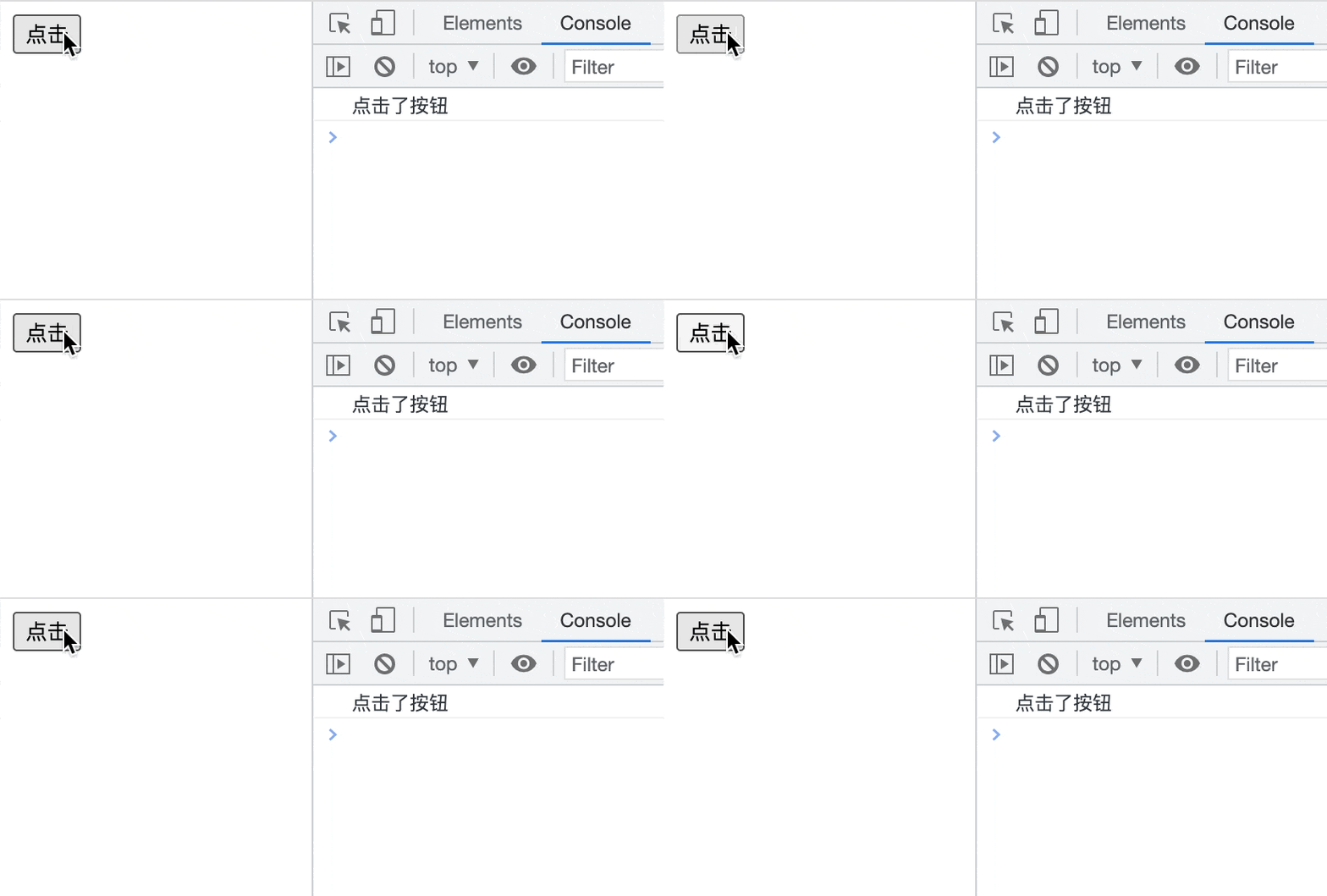
头部防抖表示:一轮连续操作中的第一次调用立即执行,后面的调用全部忽略。只有停止触发满 wait 毫秒,下一轮调用才可以再次立即执行。
function proxy(...args) {
  const context = this
  const shouldCallNow = immediate && timer === null

  if (timer !== null) {
    clearTimeout(timer)
  }

  timer = setTimeout(() => {
    timer = null

    if (!immediate) {
      handle.apply(context, args)
    }
  }, wait)

  if (shouldCallNow) {
    handle.apply(context, args)
  }
}shouldCallNow 需要同时满足:
immediate === true,开启立即执行模式;timer === null,当前没有处于等待状态的定时器。
这里使用严格判断 timer === null,而不是 !timer,因为代码真正想表达的是“定时器变量是否处于空闲状态”。
即使是立即执行模式,每次调用也要重新创建定时器。此时定时器不是用来延迟执行 handle,而是作为一把锁:
timer === null     没有锁,可以立即执行
timer !== null     已加锁,不能执行
定时器结束 timer 恢复为 null,解除锁定执行顺序如下:
0ms      proxy('A'),立即执行 handle('A')
100ms    proxy('B'),不执行,重新计时
200ms    proxy('C'),不执行,重新计时
500ms    定时器结束,只把 timer 设置为 null
600ms proxy('D'),新一轮开始,立即执行 handle('D')定时器中必须使用 immediate 判断尾部是否执行,不能使用本次调用计算出来的 shouldCallNow。否则最后一次调用的 shouldCallNow 为 false,定时器结束时可能错误地再执行一次 handle。
试一试
Count is:
第七步:保存并返回执行结果
定义 result 保存最近一次执行结果:
let result执行 handle 时更新它,并在代理函数中返回:
result = handle.apply(context, args)
return result立即执行模式可以同步拿到本次结果:
const add = debounce((a, b) => a + b, 300, true)

add(1, 2) // 3
add(3, 4) // handle 没有再次执行,仍返回最近一次结果 3尾部模式无法同步返回未来的执行结果,因为调用代理函数时,handle 还没有执行。
第八步:添加取消能力
函数在 JavaScript 中也是对象,因此可以给代理函数添加 cancel 方法:
proxy.cancel = function () {
  if (timer !== null) {
    clearTimeout(timer)
    timer = null
  }
}组件卸载时可以同时移除监听并取消尚未执行的任务:
window.removeEventListener('resize', onResize)
onResize.cancel()removeEventListener 只能阻止未来的事件调用,不能取消已经创建的定时器。
防抖完整代码
点击查看
/**
 * 防抖函数
 *
 * @param {Function} handle 需要执行的函数
 * @param {number} wait 等待时间,单位为毫秒
 * @param {boolean} immediate
 * false:停止触发 wait 毫秒后执行
 * true:第一次触发时立即执行
 */
function debounce(handle, wait = 300, immediate = false) {
  if (typeof handle !== 'function') {
    throw new TypeError('handle must be a function')
  }

  if (typeof wait === 'boolean') {
    immediate = wait
    wait = 300
  }

  if (!Number.isFinite(wait) || wait < 0) {
    wait = 300
  }

  if (typeof immediate !== 'boolean') {
    immediate = false
  }

  let timer = null
  let result

  function proxy(...args) {
    const context = this
    const shouldCallNow = immediate && timer === null

    if (timer !== null) {
      clearTimeout(timer)
    }

    timer = setTimeout(() => {
      timer = null

      if (!immediate) {
        result = handle.apply(context, args)
      }
    }, wait)

    if (shouldCallNow) {
      result = handle.apply(context, args)
    }

    return result
  }

  proxy.cancel = function () {
    if (timer !== null) {
      clearTimeout(timer)
      timer = null
    }
  }

  return proxy
}节流函数
对于高频操作,节流按照指定频率减少函数执行次数。只要事件持续触发,处理函数仍会每隔一段时间执行一次。
应用场景
- 页面滚动位置计算
mousemove、拖拽事件- 页面尺寸变化过程中的计算
- 高频上报或埋点
- 滚动加载和元素位置检测
前置场景
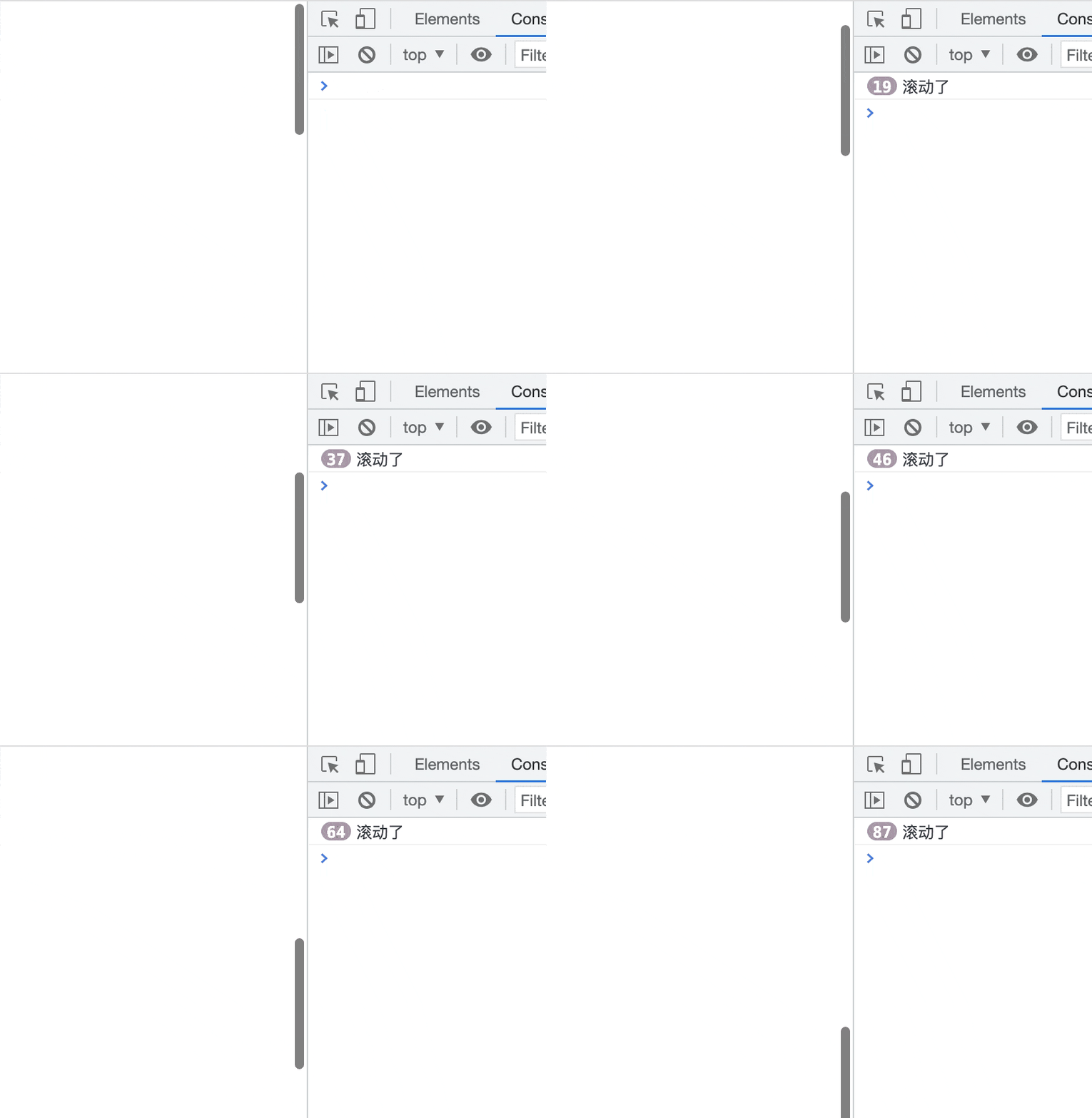
页面滚动时直接读取滚动位置:
function handleScroll() {
  console.log(document.documentElement.scrollTop)
}

window.addEventListener('scroll', handleScroll)滚动事件会被高频触发,handleScroll 也会随之执行很多次。
原节流函数存在的问题
原实现已经能够达到“第一次立即执行、时间窗口结束后补充执行一次”的节流效果,但还存在以下问题:
wait只判断了undefined,没有处理NaN、Infinity、负数和字符串。- 只需要时间戳时使用了
new Date(),Date.now()更直接。 - 尾部定时器保存的是时间窗口内第一次被限制调用的参数,而不是最后一次参数。
- 定时器回调已经开始执行时,再调用
clearTimeout(timer)没有意义。 !timer不如timer === null语义明确。- 没有返回执行结果,也没有提供取消方法。
其中最重要的是尾部参数问题:
0ms      proxy('A'),立即执行 A
100ms    proxy('B'),创建尾部定时器,闭包保存 B
200ms    proxy('C'),已经存在定时器,调用被忽略
300ms    proxy('D'),已经存在定时器,调用被忽略
400ms 定时器执行 B通常更符合预期的行为是 400ms 时执行最后一次调用的 D,而不是第一次被限制的 B。
第一步:检查参数并定义状态
function throttle(handle, wait = 400) {
  if (typeof handle !== 'function') {
    throw new TypeError('handle must be a function')
  }

  if (!Number.isFinite(wait) || wait < 0) {
    wait = 400
  }

  let timer = null
  let lastInvokeTime = 0
  let lastArgs = null
  let lastContext = null
  let result

  // ...
}各变量的作用:
timer:保存当前的尾部定时器,同一时间窗口内最多创建一个。lastInvokeTime:记录上一次真正执行handle的时间。lastArgs:记录最近一次调用代理函数时传入的参数。lastContext:记录最近一次调用代理函数时的this。result:保存最近一次执行handle得到的结果。
第二步:抽离真正的执行逻辑
立即执行和尾部执行最终都需要调用 handle,因此把公共逻辑提取为 invoke:
function invoke(time) {
  const args = lastArgs
  const context = lastContext

  lastInvokeTime = time
  lastArgs = null
  lastContext = null

  result = handle.apply(context, args)

  return result
}先使用局部变量保存参数和 this,再清理闭包中的引用,最后执行真正的处理函数。
lastInvokeTime 在执行 handle 之前更新,记录的是本次开始执行的时间。如果 handle 内部再次调用节流函数,新调用也能读取到已经更新的状态。
第三步:保存最新参数并计算剩余时间
function proxy(...args) {
  const now = Date.now()
  const elapsed = now - lastInvokeTime
  const remaining = wait - elapsed

  lastArgs = args
  lastContext = this

  // ...
}三个时间变量分别表示:
now // 当前时间
elapsed // 距离上一次真正执行过去了多久
remaining // 距离下一次允许执行还剩多久假设 wait = 400,上一次执行时间是 1000,当前时间是 1150:
elapsed = 1150 - 1000 // 150
remaining = 400 - 150 // 250说明还需要等待 250ms。
每次调用都更新 lastArgs 和 lastContext。即使已经存在尾部定时器,后续调用仍然会更新它们,定时器执行时读取的就是最后一次调用的数据。
第四步:判断是否立即执行
if (
  lastInvokeTime === 0 ||
  remaining <= 0 ||
  remaining > wait
) {
  if (timer !== null) {
    clearTimeout(timer)
    timer = null
  }

  return invoke(now)
}立即执行有三种情况:
lastInvokeTime === 0:第一次调用。remaining <= 0:距离上次执行已经达到或超过wait。remaining > wait:系统时间发生回拨。
Date.now() 使用系统时间。如果系统时间被调整到更早的时间,可能出现 now < lastInvokeTime,进而让 remaining > wait。把这种情况视为可以立即执行,可以避免函数长时间不能执行。
立即执行之前需要取消尚未运行的尾部定时器,否则可能先立即执行一次,旧定时器随后又执行一次。
第五步:安排尾部执行
如果还没有达到下一次执行时间,就只创建一个尾部定时器:
if (timer === null) {
  timer = setTimeout(trailingInvoke, remaining)
}连续调用期间:
第 1 次受限制调用:创建定时器,保存参数 B
第 2 次受限制调用:不创建定时器,只把参数更新为 C
第 3 次受限制调用:不创建定时器,只把参数更新为 D
定时器到期:使用最新参数 D 执行这也是节流和防抖的关键区别:
- 防抖每次调用都取消旧定时器并重新计时。
- 节流已经存在定时器时不会重新计时,只更新最后一次参数和
this。
第六步:实现尾部执行函数
function trailingInvoke() {
  timer = null

  if (lastArgs !== null) {
    invoke(Date.now())
  }
}定时器触发后先恢复空闲状态。这里不需要再调用 clearTimeout(timer),因为定时器已经到期并开始执行。
即使调用时没有参数,args 也是空数组 [],而不是 null,所以 lastArgs !== null 可以准确区分“没有待执行调用”和“有一次无参数调用”。
第七步:返回结果并添加取消能力
代理函数最后返回最近一次执行结果:
return result第一次调用立即执行,因此能够同步拿到结果:
const add = throttle((a, b) => a + b, 400)

add(1, 2) // 3
add(10, 20) // 时间窗口内不执行,仍然返回 3取消方法需要清理定时器和全部等待状态:
proxy.cancel = function () {
  if (timer !== null) {
    clearTimeout(timer)
  }

  timer = null
  lastInvokeTime = 0
  lastArgs = null
  lastContext = null
}把 lastInvokeTime 恢复为 0 后,下一次调用会被重新视为第一次调用并立即执行。
改进版节流执行过程
假设 const fn = throttle(handle, 400),连续调用:
0ms      fn('A'),第一次调用,立即执行 A
100ms    fn('B'),创建尾部定时器,记录 B
200ms    fn('C'),不创建新定时器,参数更新为 C
300ms    fn('D'),不创建新定时器,参数更新为 D
400ms    定时器触发,执行 D
500ms    fn('E'),距离上次执行不足 400ms,安排尾部执行
800ms 定时器触发,执行 E最终真正执行的是:
0ms      handle('A')
400ms    handle('D')
800ms    handle('E')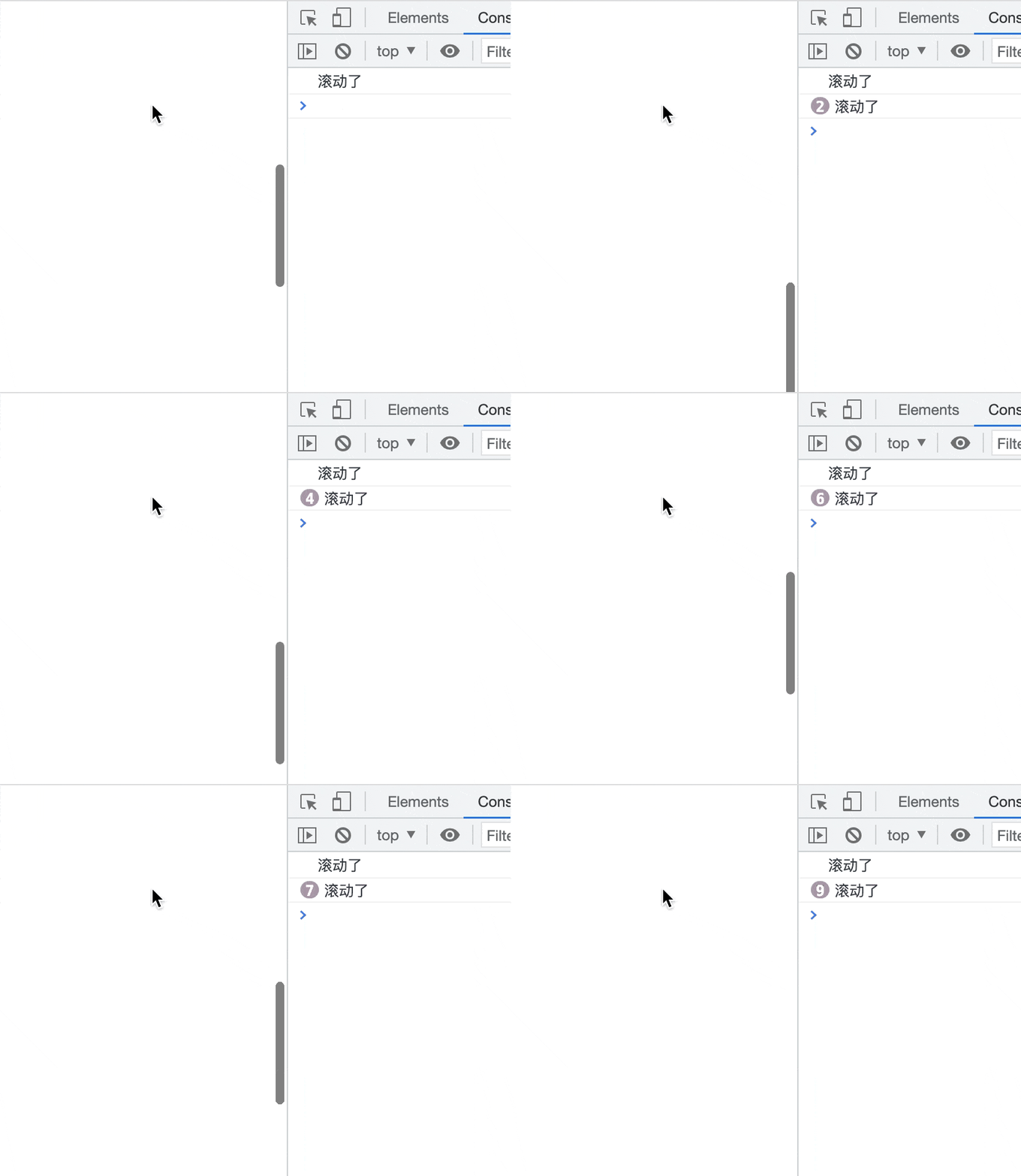
试一试
ScrollTop with throttle is:
ScrollTop without throttle is:
节流完整代码
点击查看
/**
 * 节流函数
 *
 * 第一次调用立即执行;
 * wait 时间内的调用不会立即执行;
 * 时间窗口结束后,使用最后一次调用的参数补充执行。
 *
 * @param {Function} handle 需要执行的函数
 * @param {number} wait 执行间隔,单位为毫秒
 */
function throttle(handle, wait = 400) {
  if (typeof handle !== 'function') {
    throw new TypeError('handle must be a function')
  }

  if (!Number.isFinite(wait) || wait < 0) {
    wait = 400
  }

  let timer = null
  let lastInvokeTime = 0
  let lastArgs = null
  let lastContext = null
  let result

  function invoke(time) {
    const args = lastArgs
    const context = lastContext

    lastInvokeTime = time
    lastArgs = null
    lastContext = null

    result = handle.apply(context, args)

    return result
  }

  function trailingInvoke() {
    timer = null

    if (lastArgs !== null) {
      invoke(Date.now())
    }
  }

  function proxy(...args) {
    const now = Date.now()
    const elapsed = now - lastInvokeTime
    const remaining = wait - elapsed

    lastArgs = args
    lastContext = this

    if (
      lastInvokeTime === 0 ||
      remaining <= 0 ||
      remaining > wait
    ) {
      if (timer !== null) {
        clearTimeout(timer)
        timer = null
      }

      return invoke(now)
    }

    if (timer === null) {
      timer = setTimeout(trailingInvoke, remaining)
    }

    return result
  }

  proxy.cancel = function () {
    if (timer !== null) {
      clearTimeout(timer)
    }

    timer = null
    lastInvokeTime = 0
    lastArgs = null
    lastContext = null
  }

  return proxy
}防抖和节流的区别
| 对比项 | 防抖 | 节流 |
|---|---|---|
| 核心目标 | 连续操作只识别一次 | 按固定频率减少执行次数 |
| 是否重新计时 | 每次调用都重新计时 | 已有定时器时不重新计时 |
| 持续触发时 | 尾部模式可能一直不执行 | 会按照时间间隔持续执行 |
| 常见场景 | 搜索联想、表单校验、防重复点击 | 滚动、拖拽、鼠标移动、位置计算 |
| 尾部参数 | 使用最后一次调用参数 | 使用当前时间窗口最后一次调用参数 |
选择时可以先问两个问题:
- 是否必须等用户停止操作后再执行?如果是,使用防抖。
- 用户持续操作时是否仍要定期得到结果?如果是,使用节流。